Apple Upgrade: 20 Things you need to Know about Leasing iPhones, iPads, and Macs
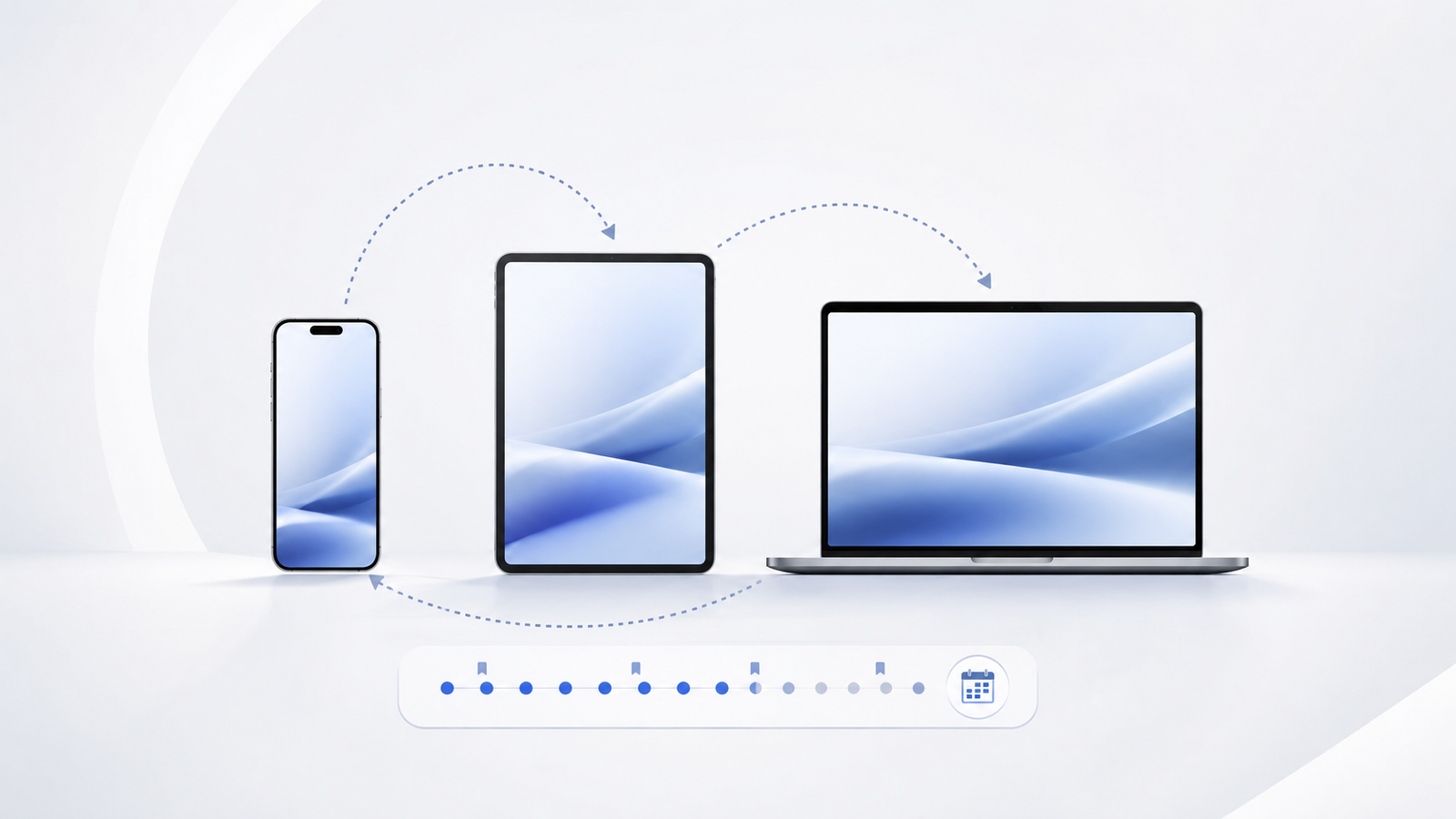
Apple has quietly changed how millions of people will continue buying its products, going forward. And in so doing, Apple changed what many users knew about purchasing its iPhones, iPads, and Macs. On July 28, 2026, Apple announced Apple Upgrade, a new leasing program for iPhone, iPad, Mac, and Apple Watch, which replaces the long-standing iPhone Upgrade Program and iPhone Payments. The changes to Apple’s financing policy are significant, including Apple’s new partnership with finance company Klarna to provide the buy now, pay later option, Apple Upgrade’s availability in the US only for now, Apple’s inclusion of iPad and Mac to its previous iPhone-only upgrade program, the new starting prices for iPhone, Mac, iPad, and Apple Watch, leasing terms for phones and watches versus computers, options for trade-ins that reduce lease payments, and the three options for returning devices at the end of a lease term , among others. Here are 20 key facts about Apple’s new iPhone, iPad, Mac, and Apple Watch leasing program.
iPhone Upgrade Program Is Replaced by Apple Upgrade
Apple’s new upgrade program is called Apple Upgrade.
Newer iPhones don’t come with AppleCare+ bundled in anymore with the new Apple Upgrade program.
Here are the important details:
- It Replaces the Old iPhone Upgrade Program
Apple Upgrade replaces the iPhone Upgrade Program and iPhone Payments – Apple’s previous methods for financing purchases of its iPhones, iPads, Macs, or Apple Watches.
- It’s Backed by Klarna, Not Apple Directly
While Apple provides the products, financing and leasing is handled by payment service provider Klarna.
- It’s Only Available in the US for Now
Apple Upgrade will only be available in the United States for the time being, at least initially.
- It’s Broader Than Just the iPhone
Apple’s iPad Air is now included in Apple Upgrade.
Apple Upgrade is not strictly for the iPhone, as opposed to its predecessor program; iPad, Mac, and Apple Watch are also available for leasing in this new program.
- Starting Prices Vary by Device
iPhone 15 Pro starts at $17.99 per month, Apple Watch at $11.99 per month while Mac starts at $24.99 per month, and iPad at $11.99 per month , according to Apple’s pricing page.
- Terms are Different for iPhone and Watch Versus Computers
For iPhone and Apple Watch, choices are 12-month and 24-month lease periods; for Mac and iPad, options are 24-month and 36-month terms.
- Trade-Ins Reduce Monthly Lease Payments
Trade-ins reduce monthly payments, instead of a one-time discount at the time of purchase.
- The Three Options for Ending a Lease Are Returning, Returning and Trading In for Upgrades, or Paying Off the Purchase
At the end of the lease period, customers have three options: return the leased device, return the device and trade it in for a new one, or pay the balance due to own the device (which would be equal to the device’s retail price less total payments made over the course of the lease).
- No Matter What, You Will Never Pay More Than the Retail Price of a Device
No matter the option, customers will never pay more than the retail price of a device, according to Apple (so if you end up paying more, it might have been an error or misunderstanding).
- You Can Always Pay Off Your Lease Early
The option to pay off a lease early is available at any point, should a customer desire to do so – as opposed to waiting until the end of the initial term.
- You Must Complete a Soft Credit Check to Qualify
Before choosing a device or a lease term, customers will need to complete a soft credit check (which is generally harmless to one’s credit score).
- You Must Have a Postpaid Plan From a Mobile Carrier
Apple Upgrade requires that customers have a postpaid plan from a mobile carrier, rather than a prepaid plan.
- You Must Choose a Carrier When Checking Out, Even Though iPhones are Unlocked
At checkout, customers are required to choose a carrier, even though the phone comes unlocked (in other words, you can always switch to another carrier later if you wish).
- However, iPhone Remains Unlocked so You Can Switch Carriers or Use a Second eSIM
iPhone remains unlocked, so even though you’ll have to choose a carrier when setting up your phone for the first time, you can always switch to another one later if you wish – in fact, you can even use a second eSIM simultaneously if you want.
- AppleCare+ is Not Bundled Anymore; it is Available as an Optional Add-on
AppleCare+ is no longer bundled into the price of Apple Upgrade, making it an optional add-on purchase for those who want accidental damage coverage for their devices; instead, it has to be purchased separately when initiating the Apple Upgrade lease agreement.
- You Can Choose Between AppleCare+ and AppleCare One
AppleCare One is also available, so customers can choose between it and standard AppleCare+ when purchasing accidental damage coverage for their devices.
- Billing Is Done Through the Klarna App, Rather than Through Apple
Billing for Apple Upgrade is done through the third-party payment service provider Klarna, rather than directly through Apple.
- Several Devices are Excluded From Eligibility for Apple Upgrade
iPhone 16, iPhone 16 Plus and Apple Watch SE are excluded from Apple Upgrade.
Some products are not eligible for financing through Apple Upgrade. Notably, this includes the iPhone 16, iPhone 16 Plus, Apple Watch SE, A16 iPad (the cheapest iPad model), the MacBook Neo, the Mac mini, and the Studio Display.
- The Old iPhone Upgrade Program is Closed to New Users
Apple has officially ended enrollment in the old iPhone Upgrade Program as of the launch of Apple Upgrade on July 28, 2026 – but users with existing subscriptions can apparently still retain them, for now.
- Apple Upgrade Has Lower Starting Prices Compared to the Old iPhone Upgrade Program
The starting prices in Apple Upgrade are generally lower than those in the old iPhone Upgrade Program , so this appears to be a good deal for those who prefer to pay lower monthly payments, as opposed to buying the device outright.
Is this Worth It? It Depends on Your Needs
Whether or not this is the best deal for you ultimately depends on your needs and preferences. If you’re the type of person who only keeps their phone, tablet, or computer for a year or two at a time, and subsequently purchase a newer model, then this new lower starting price, along with the ability to simply return the old device rather than pay for it in full, may be a good value proposition for you. If you’re the type of person who tends to keep their devices for longer, however – say, three, four, or even five years – then you may be better off simply purchasing them outright or with an installment plan from your carrier, because Apple Upgrade is ultimately a leasing product designed around the idea of frequent upgrades.
When considering whether or not to use Apple Upgrade, it’s important to keep in mind the following: treat it like a lease, and make sure that you understand what each option entails, particularly with regards to whether or not you expect to return the device at the end of your term or intend to buy it out, as well as the additional cost of AppleCare+ if you want it, since it’s no longer bundled in with the lease payments. Only you can decide whether or not it’s a good deal for your specific circumstances.
This article is based on Apple’s official information about the new Apple Upgrade program, as well as reporting from MacRumors, 9to5Mac, and Notebookcheck as of July 29, 2026. Some details may change in the future, so make sure to review Apple’s information about the program on its website before signing up.